

In today's digital era, 5G network routers and dual-band 5G network router wifi bring us high-speed and stable network experience. However, sometimes we may encounter the problem of not logging in to the router, the following will give you an in-depth analysis of the reasons and provide solutions.
Network connection and configuration problems
If the network cable is loose, check whether the network cable of the router's power supply, WAN port (the broadband access port), and LAN port (the interface connecting to a computer or other devices) is firmly inserted. If the network cable is loose, the communication between the router and the device is interrupted, and you cannot log in to the device.
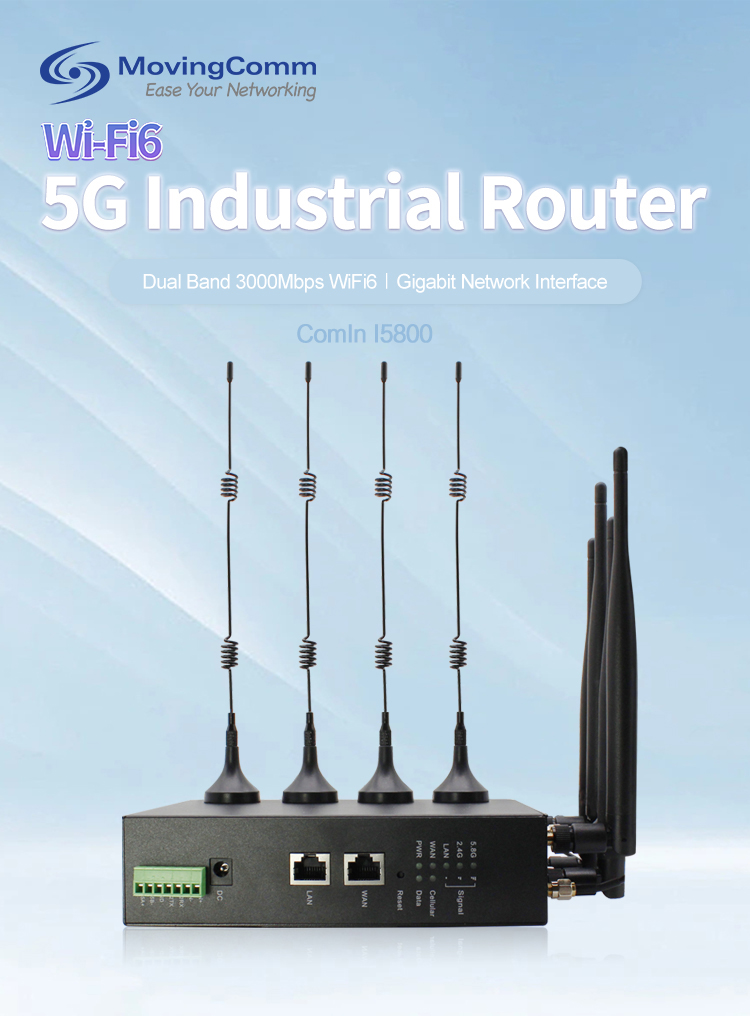
Network configuration error: Check whether the Internet access mode of the router is set correctly. For example, PPPoE dial-up, dynamic IP or static IP. If the Settings are incorrect, the router cannot connect to the network and cannot log in to the management interface. For a 5G network router, you need to check whether the parameters of the 5G band, such as the frequency band and channel, are correct.5G industrial router
IP address conflict: If the IP address of a router conflicts with that of another device on the LAN, the login fails. You can try to go into the network Settings of the device, manually change the IP address, or set the device to automatically get an IP address.industrial router
The router and device are faulty
Router fault: If the router runs for a long time, it may crash or cache excessively, affecting login. You can try to power off the router and restart it for self-cleaning and recovery.wireless router
Device problem: Check whether the device you want to log in to the router, such as mobile phone, computer, etc., is normal. Failure of the device's network module, system problems, or software conflicts may result in failure to log in to the router. You can log in to the router on another device, or restart the faulty device or restore network Settings.
Router setting restrictions: Some routers support security functions such as MAC address filtering and access control lists. If these functions are set incorrectly, certain devices may be barred from logging in. You can restore the factory Settings by resetting the router, but be aware that the reset will clear all the parameters that have been set, and you need to reconfigure the router.
Login information and environmental issues
Login information error: Confirm that the router login username and password are correct. The default username and password for many routers is admin, but some routers have their own unique default information, which can be obtained by checking the router's manual or bottom label. If you forget your password, you can reset it using the reset button on the router.
Signal interference: Microwave ovens, cordless phones, Bluetooth devices, etc., may interfere with the signal of 5G and dual-band 5G network routers, affecting login. Keep the router away from these sources of interference and choose an open, interferent-free location.
Electromagnetic shielding: If the router is placed inside a metal box, cabinet, etc., or there are a large number of metal items around it, electromagnetic shielding will be formed, resulting in weakened signal and difficult login. The router should be placed on a non-metal stand or table to keep the surrounding environment open.
There are many reasons why you can't log in to 5G and dual-band 5G network routers. Through careful investigation and analysis of network connections, routers and devices, login information and the environment, you can generally find the problem and solve it, so that you can enjoy high-speed and stable network services again.
