

In the field of industrial automation, the configuration and management of industrial router wireless is very important. Whether it's an industrial 3G/4G router wireless, or a pure 4G router, knowing how to access its setup screen is an essential skill for every engineer and network administrator. This article will walk you through the steps to access the wireless setup interface of an industrial 4G router so that you can easily manage your network.industrial router
Smart manufacturing: In smart factories, wireless networks are the basis for device interconnection.4G industrial router
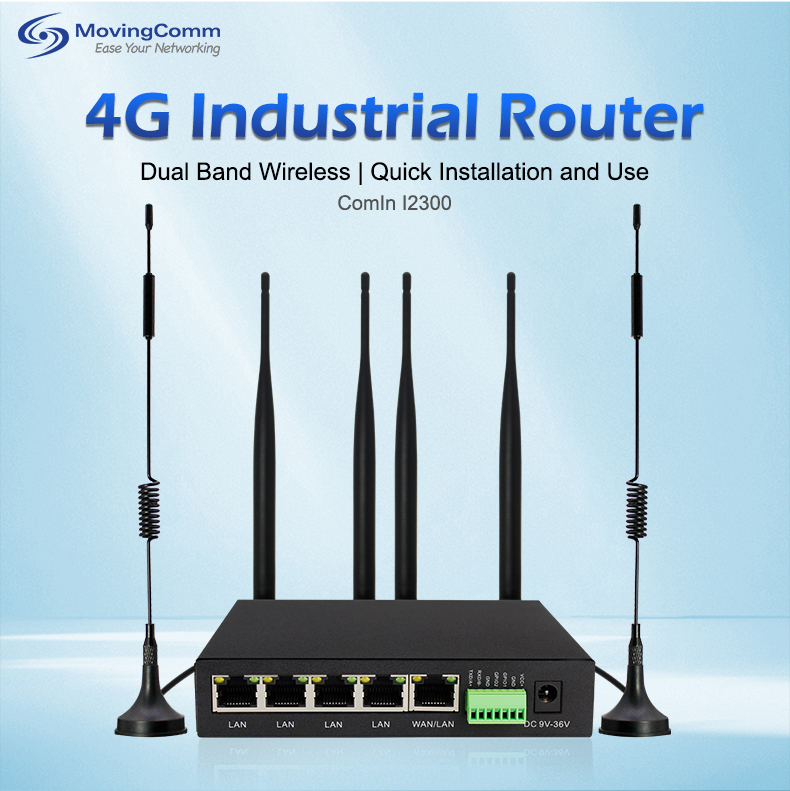
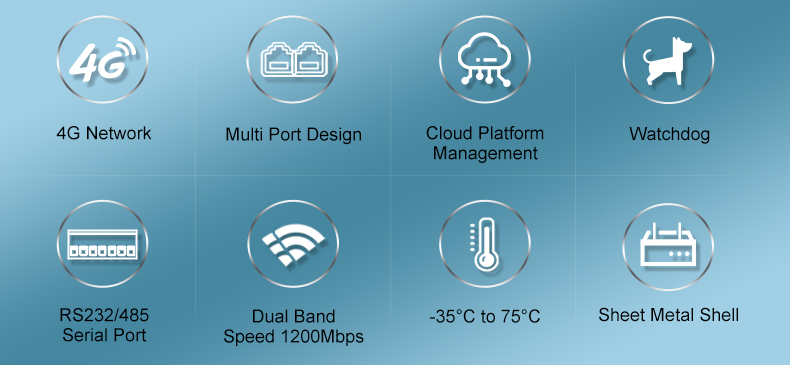 why do I need to enter the router Settings interface
the application scenario of industrial router wireless
Industrial router Wireless plays a key role in the following scenarios:
Remote monitoring: In hard-to-wire environments, wireless routers provide a stable network connection.
Mobile operation: For example, in mobile workplaces such as mines and oil fields, 4G routers wirelessly ensure real-time data transmission.
Enter the industrial 4G router wireless Settings screen, you can:
Set network parameters, such as SSID, password, and IP address.
Manage devices: View device status and upgrade firmware.
Security Settings: Configure security measures such as firewall and MAC address filtering.wireless router
the steps to enter the industrial 4G router wireless setting interface
Here are the common steps to access the wireless setup interface of 4G routers for industrial use:
Connect router
Make sure the router is properly installed and powered on.
Use a network cable to connect your computer to your router, or connect to your router's default SSID via WiFi.
Access the default IP address
Open a web browser and enter your router's default IP address (usually 192.168.1.1 or 192.168.0.1).
If you do not know the default IP address, you can check the router manual or use the IP scanning tool.
Login router
Enter the administrator username and password on the login page. The default user name and password are usually admin, but to be on the safe side, it is recommended to change them immediately after your first login.
Enter the setting screen
After successfully logging in, you will enter the router's Settings screen.
Here, you can configure as many things as you need.
4. Common problems and solutions
Question 1: What if I forget the administrator password?
Solution: Factory Settings can be restored via the router's reset button, but note that this will delete all configuration information.
Q2: Can't access the Settings screen?
Solution: Check that the network connection is working, confirm that the IP address is correct, or try using a different browser.
Case analysis
A manufacturing enterprise newly installed an industrial 4G router wireless, used to connect the automation equipment of the production line. By performing the preceding steps, the network administrator successfully enters the configuration page, configures network parameters, and sets security policies to ensure the stable running of the production line.
It is very important to master how to enter the wireless setting interface of industrial 4G routers for the management and maintenance of industrial routers. With the right steps, you can easily configure the network to ensure efficient and safe industrial production. With the advancement of Industry 4.0, wireless network technology will become more popular, and learning these basic operations will help you navigate the field of industrial network management.
