

In modern industrial production, the stability and reliability of network connections are crucial. As a key device connecting industrial equipment and network, industrial wireless transmission router not only provides high-speed network access, but also has powerful management and configuration functions. The website of the management router, as the intelligent control center of the industrial wireless transmission router, provides users with convenient management and monitoring means to ensure the efficient operation and security and stability of the industrial network.
the importance of industrial wireless transmission
In the modern industrial environment, wireless transmission plays a vital role. 5G industrial-grade wireless transmission routers not only provide high-speed network connectivity, but also ensure the following key requirements:
Real-time data transmission: In industrial production, the transmission of real-time data is essential for decision-making.
High reliability: The reliability of the network is very high in the industrial environment, and any interruption may cause loss.industrial router
Extensive coverage: Industrial-grade wireless transmission routers are able to cover a wide area and meet the needs of large factories.5G industrial router
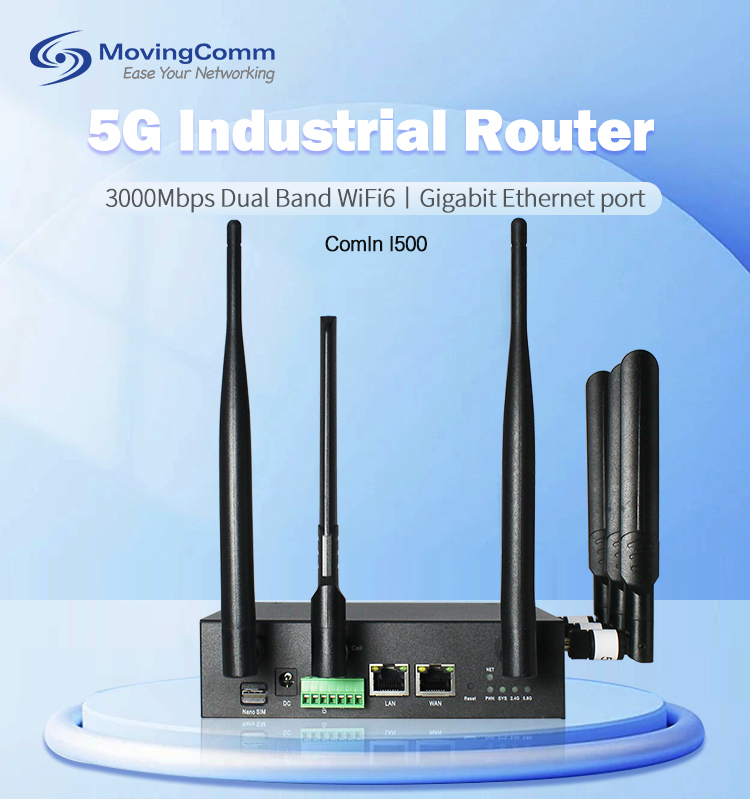
Manage the website functions of the router
Managing the router's website is a tool for network management, and the following are its core functions:
Remote configuration: Through the website, you can remotely configure the network parameters of the router without on-site operation.
Status monitoring: real-time monitoring of the working status of the router, including signal strength, data traffic, etc.
Security Settings: Perform security Settings on the website, including password change and firewall configuration.
Firmware upgrade: Upgrade router firmware online to ensure device performance and security.
How do I access the website that manages my router
Here are the basic steps to access the Admin router website:
Confirm router model: Make sure you know your 5G industrial-grade wireless transmission router model.
Connect to the network: Make sure your device is connected to the network provided by the router.
Enter URL: Enter the router's administrative URL, usually the router's IP address, in your browser.
Login Account: Use the default or custom username and password to log in.
Case analysis
A large manufacturing enterprise has adopted a 5G industrial-grade wireless transmission router, and by managing the router's website, network administrators can remotely monitor and configure the network. In an emergency, the administrator found the network anomaly through the website in time, and quickly took measures to avoid the shutdown of the production line.
Managing a router's website is an important tool for industrial-grade wireless transport network management. Through this platform, you can easily achieve the monitoring, configuration and maintenance of 5G industrial-grade wireless transmission routers. Mastering these skills can not only improve your work efficiency, but also ensure the continuity and stability of industrial production. With the continuous development of 5G technology, websites that manage routers will become an integral part of industrial wireless transmission networks. Making our network smarter and more efficient starts with managing the router's website.wireless router
