

In the industrial field, the PLC industrial 4G router is the key equipment to achieve equipment networking and data transmission, and the state of its indicator light can directly reflect the working situation of the router. Knowing the normal state of these indicators is crucial for the installation, commissioning, and troubleshooting of the device.
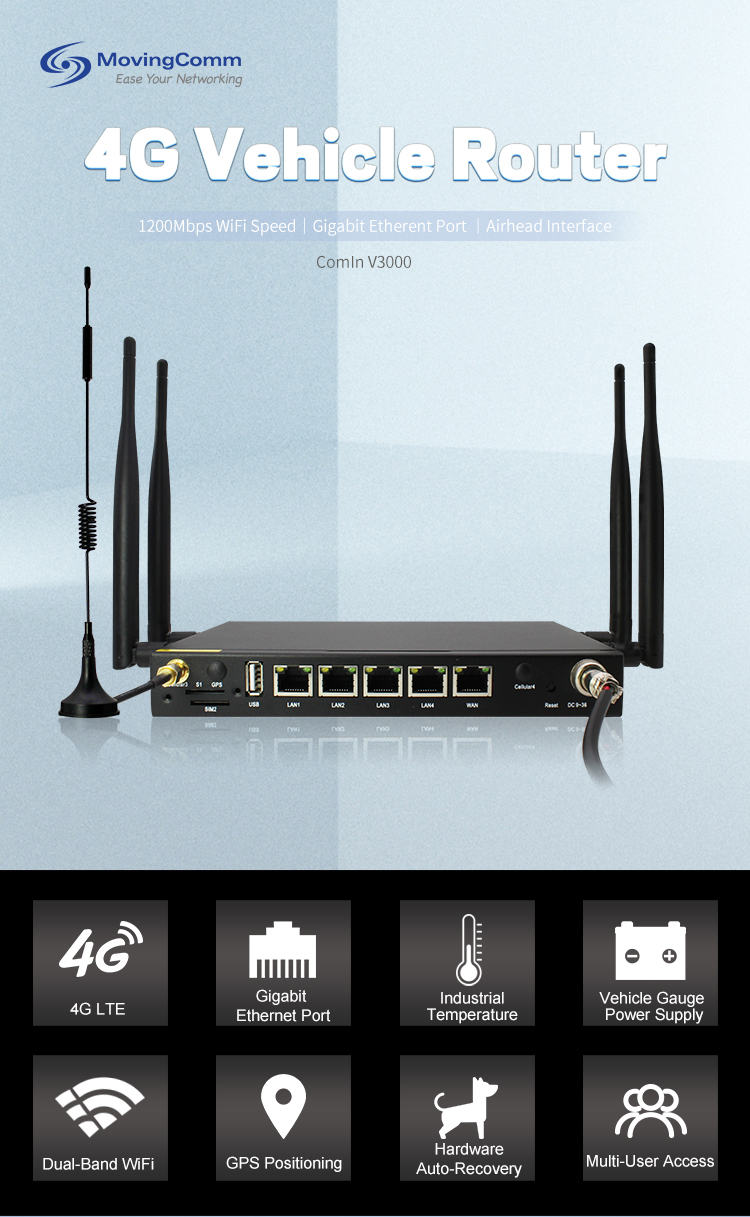
LAN port indicator: indicates the LAN port indicator of a PLC or other industrial device. In normal cases, after the device is successfully connected to the LAN port of the router through a network cable, the corresponding LAN port indicator is steady on. If there is a data transfer between the device and the router, the indicator will blink. If the indicator of a LAN port is off, check whether the network cable is properly connected, whether the network port of the device works properly, and whether the LAN port of the router is damaged.Vehicle Router
 4G signal indicator
Power indicator light
The power indicator is one of the most basic indicators of the PLC industrial 4G router. Normally, when the router is powered on, the power indicator will be steady on. If the power indicator is not on, first check whether the power adapter is connected properly, whether the power socket is powered, and whether the power interface of the router is loose. If the indicator blinks or the brightness is abnormal, the power supply may be unstable, which may affect the normal operation of the router. You need to check the power supply in time.
Network connection indicator
WAN port indicator: Displays the connection status between the router and the external network. When the router successfully connects to a 4G network or other wide area network, the WAN port indicator is on. If the indicator blinks, the router is transmitting data, which is normal. If the WAN port indicator is off, the SIM card may not be properly inserted, the network signal is weak, the network Settings are incorrect, or the router's WAN port is faulty.
The 4G signal indicator is used to reflect the strength and connection status of the router receiving 4G signals. Generally speaking, when the router has found a 4G signal and successfully connected, the 4G signal indicator will be steady on. If the indicator is blinking, the signal strength may be unstable or a network switch is in progress. If the indicator is not on, it means that the router has not found 4G signal, which may be the antenna is not connected properly, the signal coverage is poor at the location, or the 4G module is faulty.
System status indicator
System status indicators reflect the overall operating status of the router. Under normal circumstances, the system status indicator will be steady on or blink regularly. Steady on indicates that the router's system is running properly, while blinking may indicate that the router is performing system initialization, software upgrade, or data processing. If the system status indicator blinks or goes off quickly, it may mean that the router has a system fault, such as a software error, hardware failure, etc., and needs further inspection and maintenance.industrial router
Serial port indicator
For the PLC industrial 4G router with serial port function, there is usually a serial port indicator. When the router transmits data to the PLC or other serial devices through the serial port, the serial port indicator blinks. If the serial port indicator is steady on or off, the serial port communication may be faulty, for example, the serial port Settings are inconsistent, the serial cable is damaged, or the device is faulty.
In practical applications, the color, location and specific meaning of the indicator light of different brands and models of PLC industrial 4G routers may vary. Therefore, before using the router, be sure to read the product manual carefully to understand the accurate meaning and normal working status of the indicators. By observing the status of the router indicator, technicians can quickly determine the working condition of the router, discover and solve network connection problems in time, and ensure the stable operation of industrial equipment and reliable transmission of data.wireless router
